

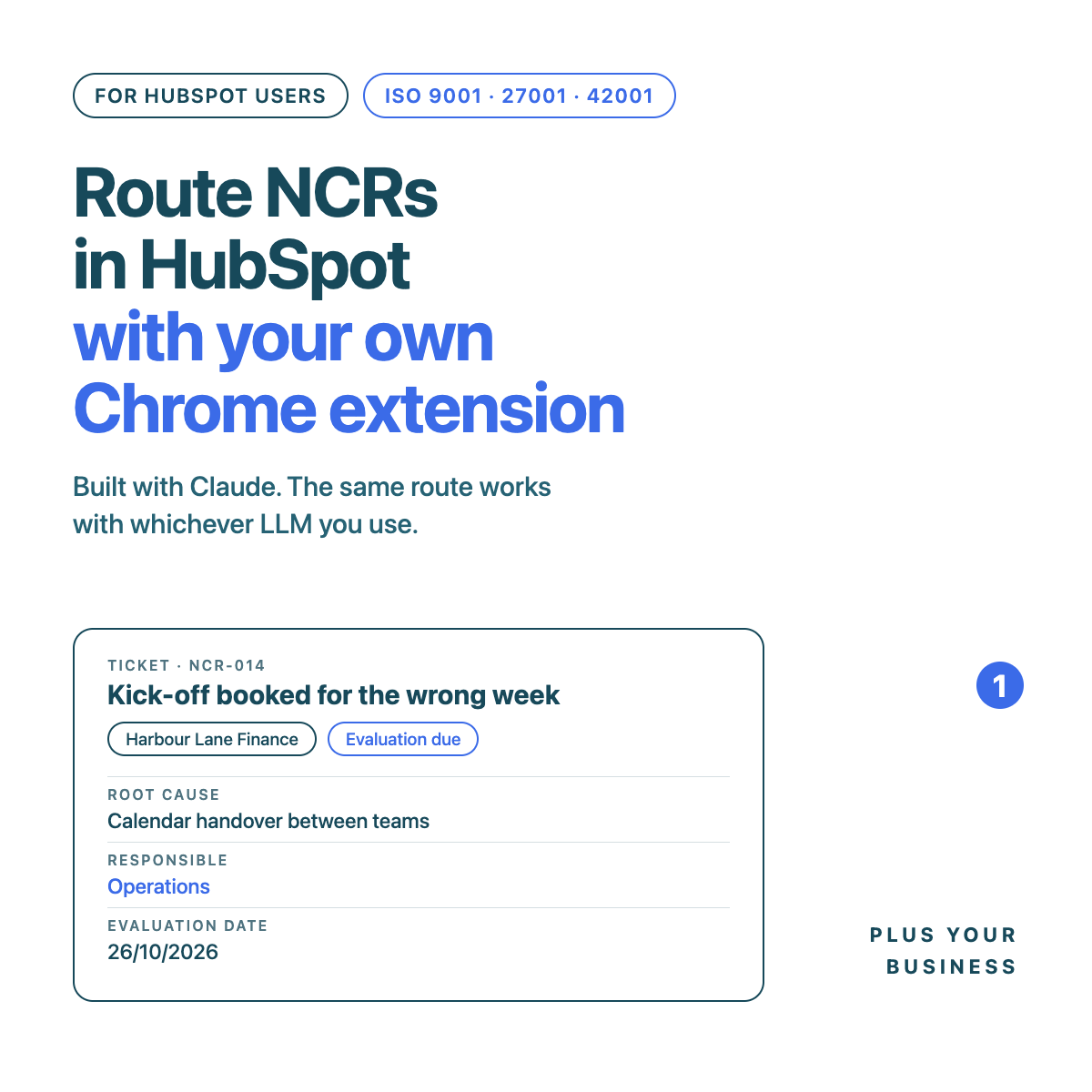
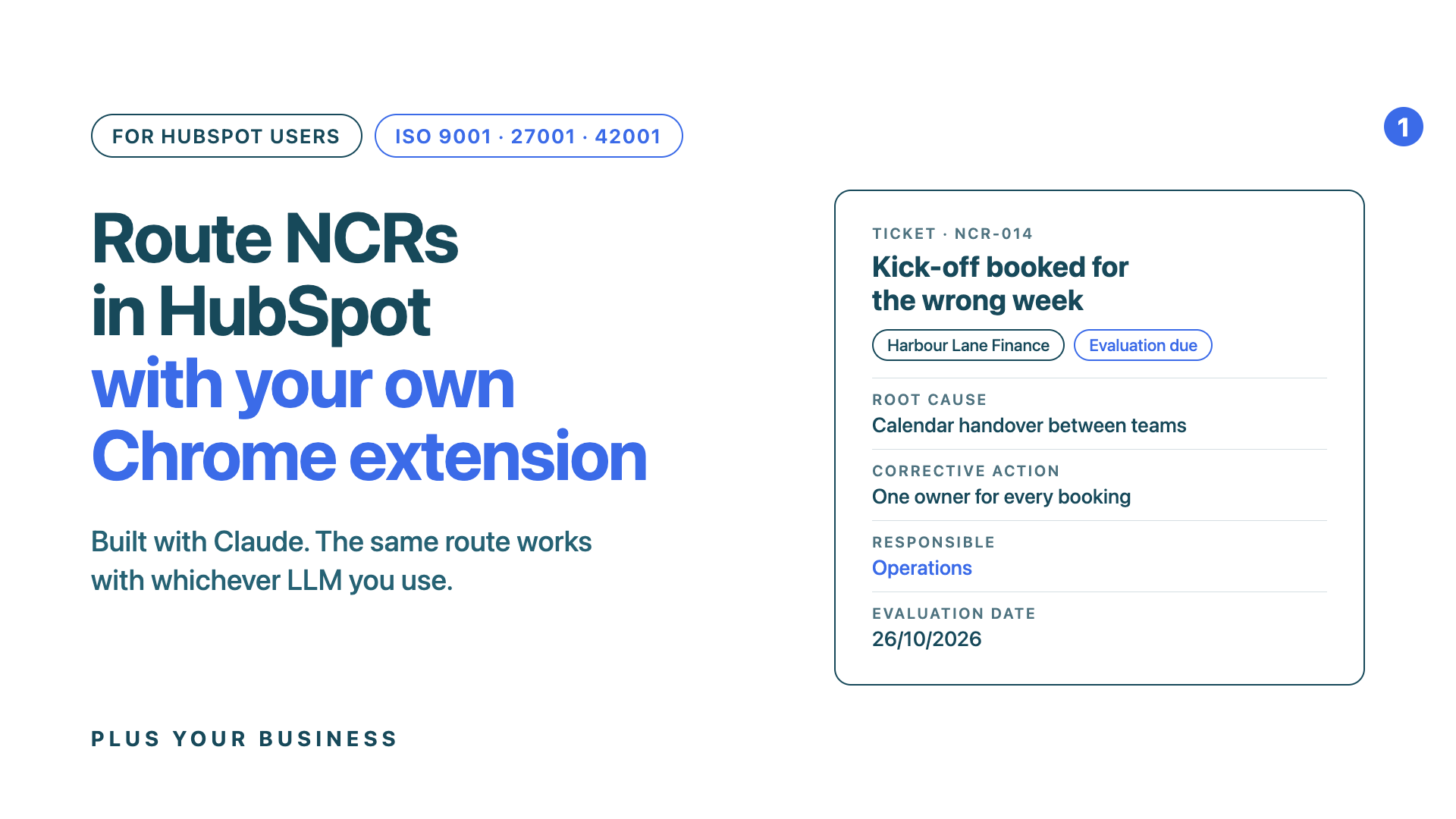
This one is for HubSpot users who run ISO 9001, 27001 or 42001. You log non-conformances (NCRs). You probably do it on a form, and most of the value stops at the form. We built a Chrome extension that captures an NCR from the page you are on, talks it through with Claude, and logs it in HubSpot as a ticket owned by the right person.
Below: two short films showing where we are taking it, how the extension works today, how HubSpot does the routing, and how to build your own. We built ours with Claude. The same route works with ChatGPT, Gemini or whichever LLM you use. If you want our code as a starting point, ask and we will send it.
Film 1: an NCR raised in HubSpot, talked through with Claude, and closed with a date to check the fix. The client is fictional.
Why NCRs belong in HubSpot
ISO asks for a loop. Record what went wrong, find the root cause, fix it, then check the fix held. A form does the first part. It does not route the NCR to anyone, remind anyone, or connect it to the client it affected.
In HubSpot an NCR is a ticket. That gives you, without building anything:
- An owner. The person responsible for the fix, notified by HubSpot.
- A pipeline. Open, then Evaluated or Closed, so you can see what is still live.
- Associations. The client company, and the contact or deal where it happened.
- Workflows. HubSpot can act on the evaluation date, so the check happens without anyone remembering it.
- Reports. Root causes you can count. Repeats show up.
The extension's job is to make the ticket quick to create and properly filled in. HubSpot does the rest.
What the extension does
We call ours NCR Quick Capture. It lives in Chrome's side panel and works in four steps.
- Point. On the page with the problem, select the evidence. Right-click and choose Log as an NCR, or press a shortcut. The panel captures the page, its address and your selection. On a HubSpot contact, company, deal or ticket record it also finds the client company.
- Talk. Press Talk it through with Claude. A new conversation opens with everything captured, your recent NCRs and your list of HubSpot owners. Claude asks what happened, out loud, and you answer. It asks only for what it cannot work out, and offers a best guess at the root cause.
- Fill. The panel fills the seven NCR fields from the conversation: Client, Issue summary, Immediate action, Root cause, Corrective action, Responsibility and Evaluation date. Fields filled by Claude are marked until you edit them. If it looks like a repeat of a recent NCR, the panel says so.
- Log. Check it, change anything that is wrong, and press Log NCR in HubSpot. It becomes a ticket in your NCR pipeline, owned by the person in Responsibility, linked to the client.
You can skip the conversation and fill the card by hand. A person confirms every record. Claude never files one on its own.
Getting each NCR to the right person
In one portal, several people may use the extension. An NCR should not reach all of them. It should reach whoever HubSpot says owns it.
Film 2: one portal, three people, one NCR. Only the owner is interrupted, and a month later the check goes to the quality lead.
The routing uses what HubSpot already has. You can set most of it up today, with or without the extension.
| What you want | How HubSpot does it |
|---|---|
| The fix goes to the right person | The extension sets the ticket owner from the Responsibility field. HubSpot notifies that owner. Nobody else is interrupted. |
| The fix gets checked | A ticket-based workflow enrols NCRs with an evaluation date, delays until that date, then creates a task for your quality lead: did the fix hold? |
| Nothing closes without a root cause | Make the root cause and corrective action properties required before a ticket moves to the closed stage. |
| Repeats are visible | A ticket report in the NCR pipeline, grouped by root cause or by client company. Bring it to your management review. |
Set up in HubSpot (once)
1. An NCR ticket pipeline
A ticket pipeline with "NCR" or "Non Conformance" in its name. Ours is called (PYB) Issues/Non Conformance, with two stages: Open, and Evaluated/Closed. Add more stages if your process needs them.
2. Ticket properties for the NCR fields (recommended)
Without them, the extension writes the detail into the ticket description, which works. With them, you can report on root causes and require them before a ticket closes.
| Field | Internal name | Type |
|---|---|---|
| Client | ncr_client | Single-line text |
| Immediate action | ncr_immediate_action | Multi-line text |
| Root cause | ncr_root_cause | Multi-line text |
| Corrective action | ncr_corrective_action | Multi-line text |
| Evaluation date | ncr_evaluation_date | Date picker |
3. A private app for the extension
In HubSpot, go to Settings, Integrations, Private Apps. Create one called NCR Quick Capture with these scopes: tickets, crm.objects.owners.read, crm.objects.companies.read, crm.objects.contacts.read and crm.objects.deals.read. If linking a ticket to a company fails with a scope message, add crm.objects.companies.write.
Copy the access token and paste it into the extension's settings. It finds your NCR pipeline, its stages and your owners.
Build your own with Claude, or any LLM
If you have not built a Chrome extension before, start with Build your own Chrome extension with Claude. It covers Developer mode, Load unpacked and what to do when it goes wrong. Then ask for the NCR version. Ours started from a prompt along these lines:
Build me a Chrome extension (Manifest V3) that opens in the side panel. When I right-click selected text and choose "Log as an NCR", capture the page title, address and selection. On app.hubspot.com record pages, find the company the record belongs to. Show a card with seven fields: Client, Issue summary, Immediate action, Root cause, Corrective action, Responsibility and Evaluation date. Responsibility should be a dropdown of my HubSpot owners. When I press Log, create a ticket in my NCR ticket pipeline using a private app token saved in the extension's settings, owned by the person in Responsibility and associated with the client company. Use the ncr_* ticket properties if they exist, otherwise write the detail into the description. Keep permissions as narrow as possible, explain each one in a line, and send the files as a zip.
Then add the conversation step: "Add a button that opens a new Claude conversation with the capture and asks me what happened, then fills the card from Claude's summary." Swap Claude for ChatGPT, Gemini or Copilot by asking for that instead. If your portal is on the EU data centre, your address bar says app-eu1.hubspot.com. Tell your LLM which one you use.
What is built, and what is not yet
NCR Quick Capture is a working proof of concept that we run on our own machines. It does the four steps above with a private app token kept in the browser. Expect to adjust it to your portal and your process. That is the point of having the code.
The films show the next version, inside our ConvX extension. There, a HubSpot workflow nudges the owner's browser with a badge, each person signs in with HubSpot rather than sharing a token, and the extension can only read what HubSpot would show that person. That version is in development.
Notes for your ISO system
- A person confirms every record. The LLM drafts, a human checks and logs. Under ISO 42001 that is your human oversight control.
- Know where the data goes. The NCR goes to HubSpot. The conversation goes to your LLM account. Both belong in your supplier register, and NCRs often name clients.
- Treat the token with care. A private app token sits in the browser that holds it. Keep it on managed company machines, give each person their own where you can, and rotate it if a laptop goes missing.
- Your register stays the source of truth. The ticket is the NCR record. The extension is just a quicker way to create it.
- Managed browsers may block it. Some IT policies switch off Developer mode. A private Chrome Web Store listing gets round that. See Publish your Chrome extension to the Chrome Web Store with Claude.
Get our code
If you run ISO on HubSpot and want a head start, email Martin with "NCR code" in the subject. We will send you NCR Quick Capture as a zip, with its setup notes. Use it as a base and turn it into something that fits how your business works.
If you would rather we set up the pipeline, properties, workflows and reports in your portal, we can do that too. NCRs are the start of a wider learning loop. Our GUARD methodology explains where they fit in an AI management system.
Plus Your Business is a HubSpot Elite Solutions Partner, certified to ISO 9001, ISO 27001 and ISO 42001. We use this extension on our own NCRs.













.svg)
.svg)